Explore the user interface
The RigGuide user interface is designed to help you create, manage, and use Standard Operating Procedures (SOPs). It is structured so that users can easily find procedures, edit them, link them to operational plans, and execute them digitally. Understanding how the interface looks will help you navigate quickly and use the system effectively.
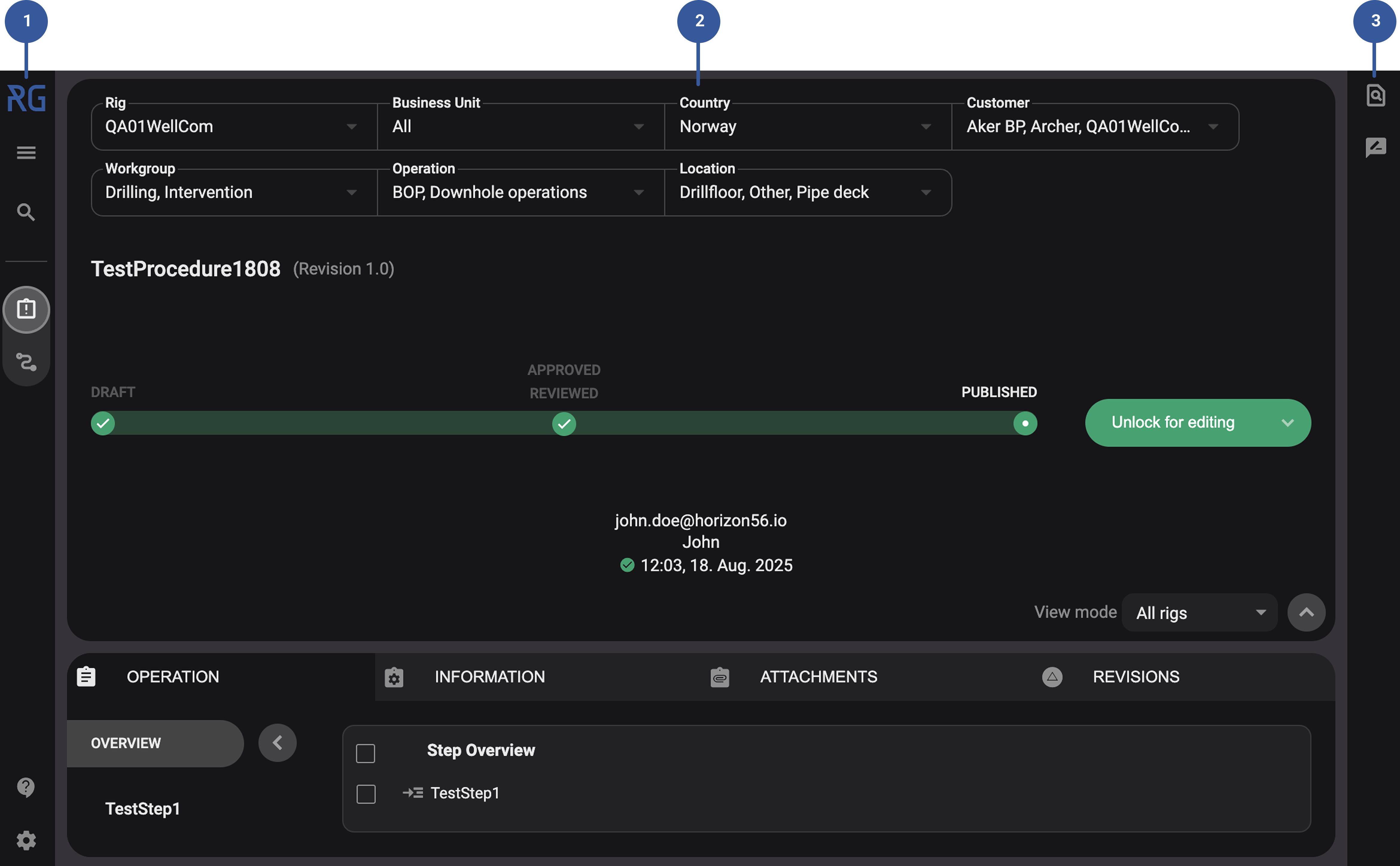
Left sidebar: One of RigGuide's main navigation tools. It stays visible so you can quickly switch between features. Here you can find the Procedures in RigGuide and Linked Procedures in RigGuide apps. You can also find the main menu and app settings.
Main content view: This is the central workspace where you view, create, edit, and manage procedures, or link them to digital plans.
Left sidebar: The Right sidebar provides supporting tools for working with procedures. Such as find and replace to quickly update repeated terms, and comments for reviews and comments.
Main menu and App settings
To access the main menu, simply click on the  Menu icon. Within the main menu, users can perform the following actions:
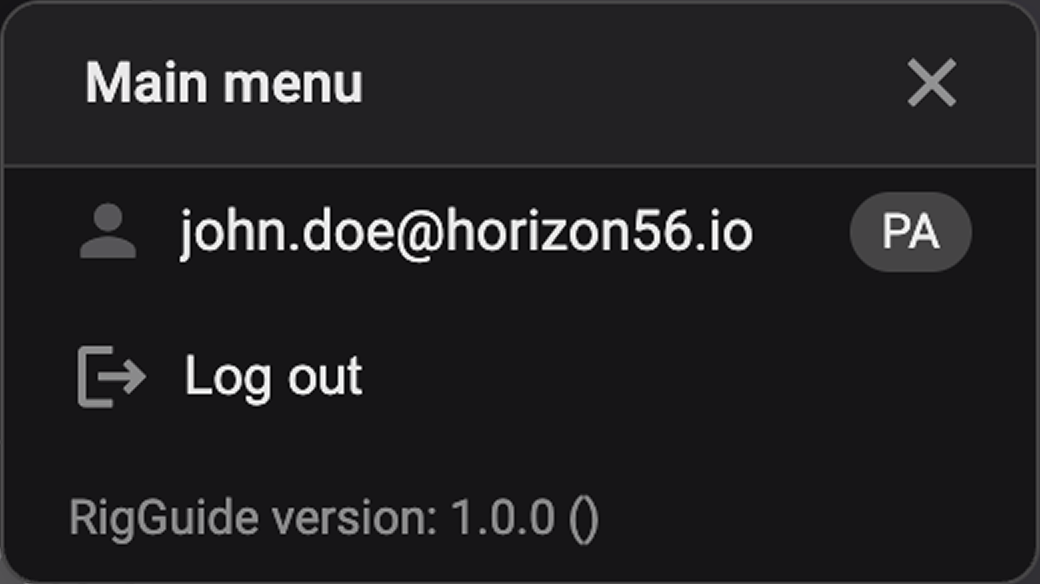
 User information: View details about the currently logged-in user and job role.
 Log out: Safely log out of the product, ensuring the termination of your session on the device.
Application version: Identify the application version currently in use. This information is valuable when communicating with our support team.
App settings
To access the App settings, click on the  App settings icon. Within this, you have some simple setup possibilities in RigBridge.
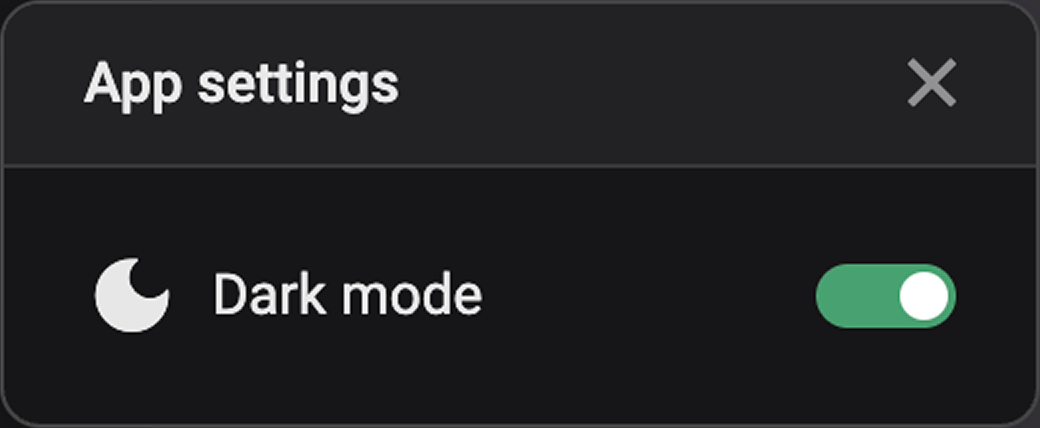
 Dark mode: Switch between the light and dark mode. The dark mode provides a visually comfortable experience, particularly in low-light environments.